Merge, split, compress, OCR, sign, protect and convert PDFs — instantly, with no uploads and no limits. EditPDF does the heavy lifting on your device, so it's fast, private, and free forever.
14
PDF tools
100%
In-browser
0
Uploads*
$0
Forever
Pick a tool and go — your file stays on your computer the whole time.
Combine multiple PDF files into one, in the order you choose. Runs entirely in your browser.
Split a PDF into individual pages or fixed-size ranges. Extract exactly the pages you need.
Reorder, rotate, and delete PDF pages with a drag-and-drop visual page sorter.
Rotate all or selected PDF pages by 90°, 180°, or 270°. Permanent rotation, saved in the file.
Insert page numbers anywhere on every page with custom position, size, and starting number.
Stamp a text watermark across your PDF with custom opacity, size, and rotation.
Draw your signature on screen and place it on any page of your PDF. No upload required.
Shrink image-heavy and scanned PDFs by rasterizing pages to optimized JPEGs. Lossy.
Convert JPG and PNG images into a single PDF. Drag to reorder and choose page size.
Convert each PDF page into a high-quality PNG or JPG image and download them as a ZIP.
Extract searchable text from scanned PDFs and images with on-device OCR. English model included.
Convert Word, Excel and PowerPoint files to PDF. Uses an optional self-hosted converter (files leave your device).
Permanently black out sensitive content. Pages are flattened so the hidden text cannot be recovered.
Add or remove password protection with AES-256 encryption, entirely in your browser via WebAssembly.
Built on a simple idea: your documents are yours. We don't need to see them to edit them.
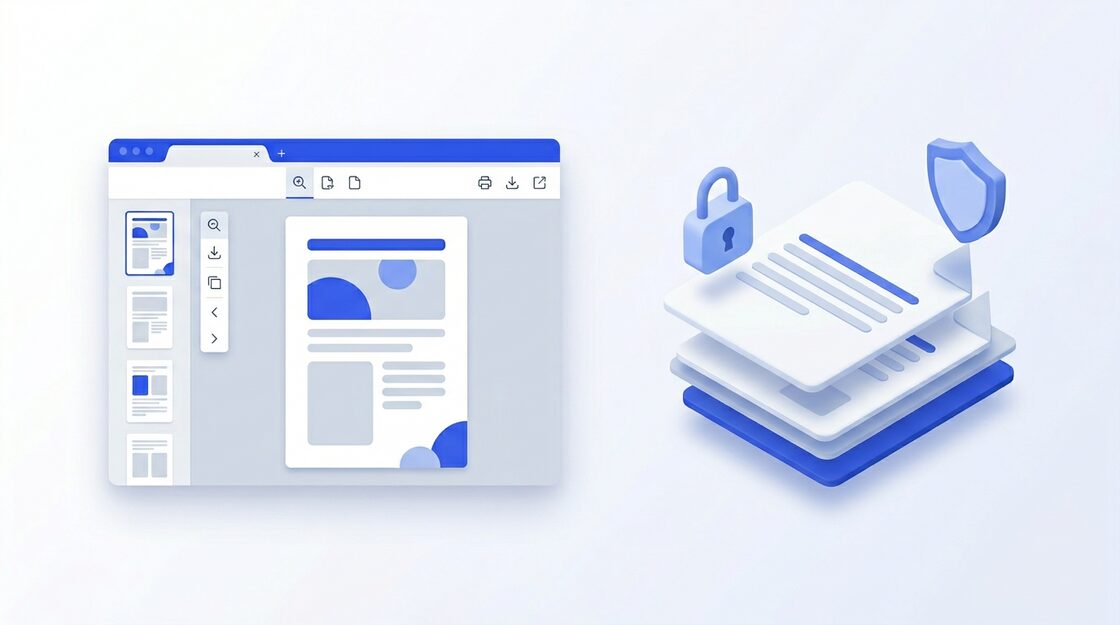
Every tool runs locally in your browser. Your documents are never uploaded to any server — not even ours.
No queues, no daily caps, no waiting room. Process as many files as you want, as often as you want.
Heavy lifting is done with WebAssembly in background threads, so the UI stays smooth even on big files.
*Except the clearly-labeled Office → PDF converter, which you optionally configure yourself.
No download, no sign-up, no upload. Just pick a tool and go.
Get started free